When a car gets hit, the customer is not browsing. They are trying to solve a problem today: “Who can take this in, deal with insurance, and tell me what happens next.”
The problem is not your rating
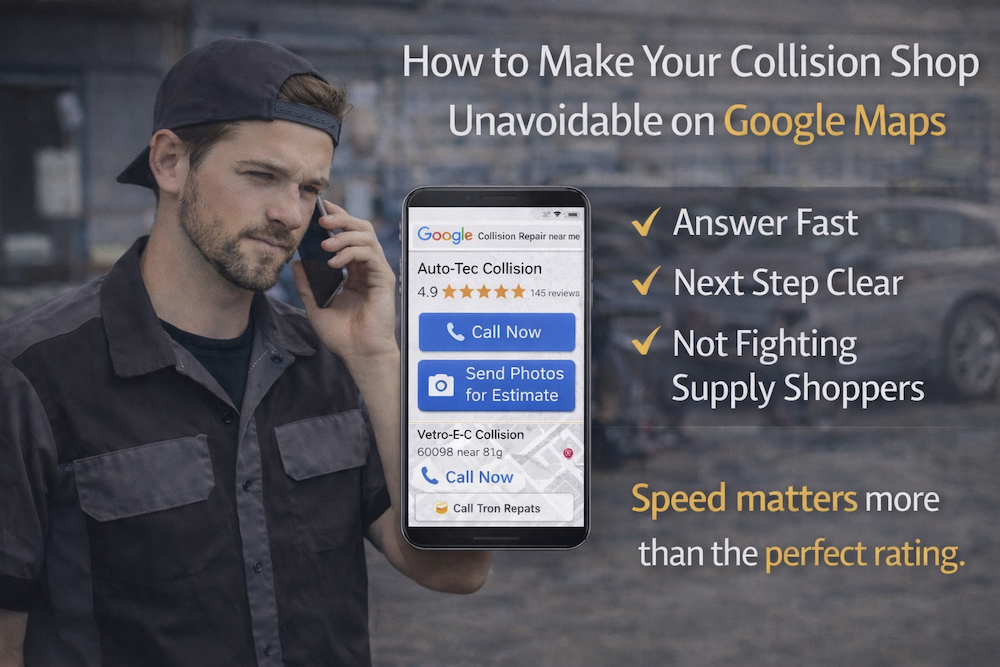
Google Maps is where that decision happens, but the calls are not always to the collision shop with the prettiest review count, instead go to the shop that is easiest to contact and quickest to respond.
If your front office misses two calls during lunch, that customer taps the next listing, and you never get a second chance.
What Google Ads changes
The common mistake is paying for Google clicks without giving people a clear next step. They tap your ad, land on a general website, can’t quickly find how to get an estimate, and leave. Or the ad shows to people outside your real service area, so you pay for calls you can’t realistically take.
Right now, your shop is already fighting parts delays, supplement approvals, and ADAS calibrations. So the goal is not getting more people to ‘check you out.’ The goal is getting fewer, better calls that turn into scheduled estimates and real drop-offs
Make it easy for a stranger to reach you
Keep this test simple enough that your front office can run it without guessing.
-
Only pay for clicks when someone can answer the phone. Run the ad during business hours. If you miss calls after hours, send them to a simple form where they can upload photos and request a call back.
-
Give them one obvious next step. Either “Call now” or “Send photos for an estimate.” Do not make them dig through a full website. Put the phone number big, and keep the page short.
-
Use the same words customers actually type. Start with a few basic searches: “collision repair near me,” “body shop near me,” “bumper repair,” and your city name. Skip fancy targeting.
-
Avoid paying for the wrong people. Tell Google you do not want searches related to learning or shopping for supplies, like “DIY,” “paint supplies,” “jobs,” “school,” or “how to.” That keeps the budget on real repair customers.